An Odoo 19 module
Hidden by password
website_event_hidden_by_password
Some evenings are for the invited. Hide an event behind a shared password: the listing shows a lock and a codename, and the door opens only for those who know the word.
sprouting in review at the OCA · pull request #515 · tests passing
What a visitor sees
A lock, a word, a door
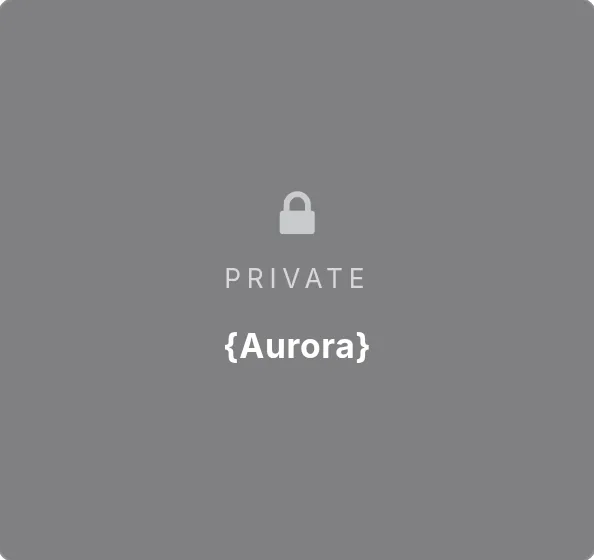
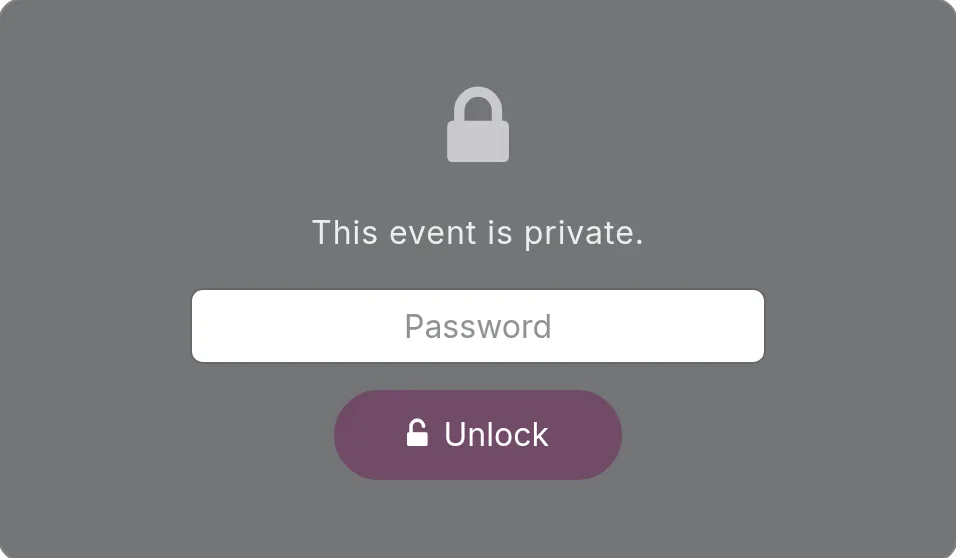
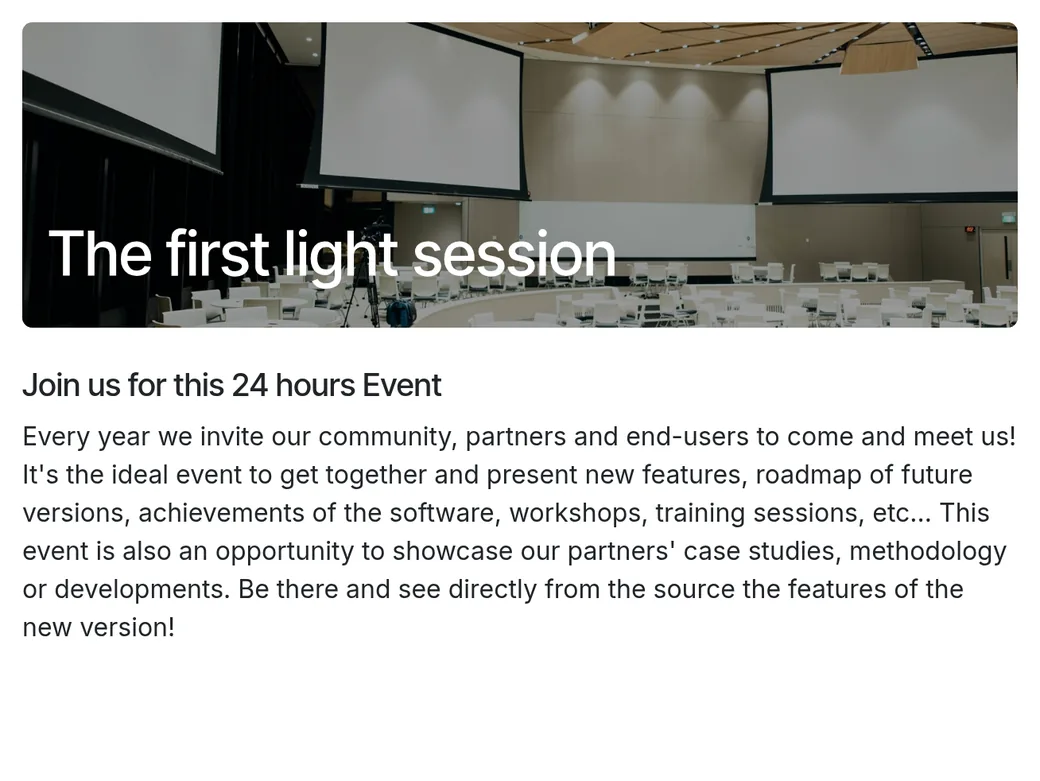
Screenshots from a clean Odoo 19 with its default theme and only this module installed: the redacted card and the wall are the module's own styling.
Every door it closes
No way in by the back
It closes every entry point in Odoo core through which a private event could be found, or give its details away.
- The events listing. The card is redacted, and its gate link carries no slug, so the name stays out of the URL too.
- Search. The real name, subtitle and venue find nothing, and nothing leaks through the filter counts.
- Autocomplete. Only the codename finds it, and it surfaces as the same redacted card.
- Direct addresses. Guessing
/event/42, the registration page, or the iCal download at/icslands at the gate, never at the name. sitemap.xml. Private events are left out.- Tracks, agenda and booths. Covered as well: the guard sits at the routing layer, without depending on those add-ons.
Honest limits
What a password isn't
- A shared secret, not an account. Like a webinar code: stored and shown in clear text, and readable only by event managers.
- Managers always walk through. Event users skip the wall, so they can preview and edit private events as usual.
- Only the doors it knows. If another module, a custom route, report, API, feed, export or integration exposes events, closing that door is up to you, usually in a small bridge module.
- Found a way in through Odoo core? Open an issue and tag
@odrakirmusic, and I'll close it in the module.
Setting it up
Five steps in the event form
-
Open the event
Go to Events and open an event, or create one.
-
Make it private
In the Private Access group, switch on Private. A random password is proposed for you.
-
Choose the word
Keep the proposed Access Password, type your own, or press Generate for a new one.
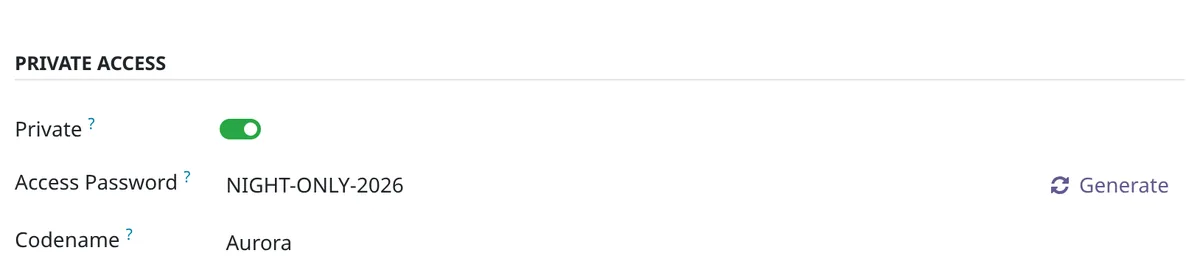
The Private Access group, with the password and the codename filled in. -
Give it a codename
Optional: a public, non-secret hint such as Aurora, shown under Private on the redacted card, so your guests can tell which door is theirs.
-
Save, publish, share
Send the password, and the codename if there is one, to the people who should get in.
It began as the guard of this site's own private events.
Plant it
Into your addons
It's waiting for review at the OCA. Until it's merged, plant it from my fork; it's the same module.
-
Take a cutting of the branch
git clone --depth 1 --branch 19.0-add-website_event_hidden_by_password https://github.com/odrakirmusic/event.git -
Add it to your addons path
Add the new
eventfolder toaddons_pathin your Odoo configuration, then restart Odoo. -
Install it
In Apps, choose Update Apps List, find Website Event Hidden by Password, and install it. Or from a shell, with your database's name:
odoo -d YOUR_DB -i website_event_hidden_by_password --stop-after-init
Is your Odoo installed with pip? Then it's one line:
pip install "git+https://github.com/odrakirmusic/event.git@19.0-add-website_event_hidden_by_password#subdirectory=website_event_hidden_by_password"Once the OCA merges it, this page switches by itself to the released package, odoo-addon-website_event_hidden_by_password on PyPI.
The back of the packet
The small print
- Licence
AGPL-3.0-or-later- Tags
- Odoo OCA
- Works with
- Odoo 19.0
- Needs
website_event- Status
- sprouting in review at the OCA · pull request #515 · tests passing
- Source
-
odrakirmusic/eventbranch19.0-add-website_event_hidden_by_password - Pull request
OCA/event#515- Last tended
- 4 October 2026
Elsewhere in the garden